



Glimmerglass®


Basketweave


C-Stands


Provista 7518B Tripod

Black Fog and Night Fog
Featured Brands
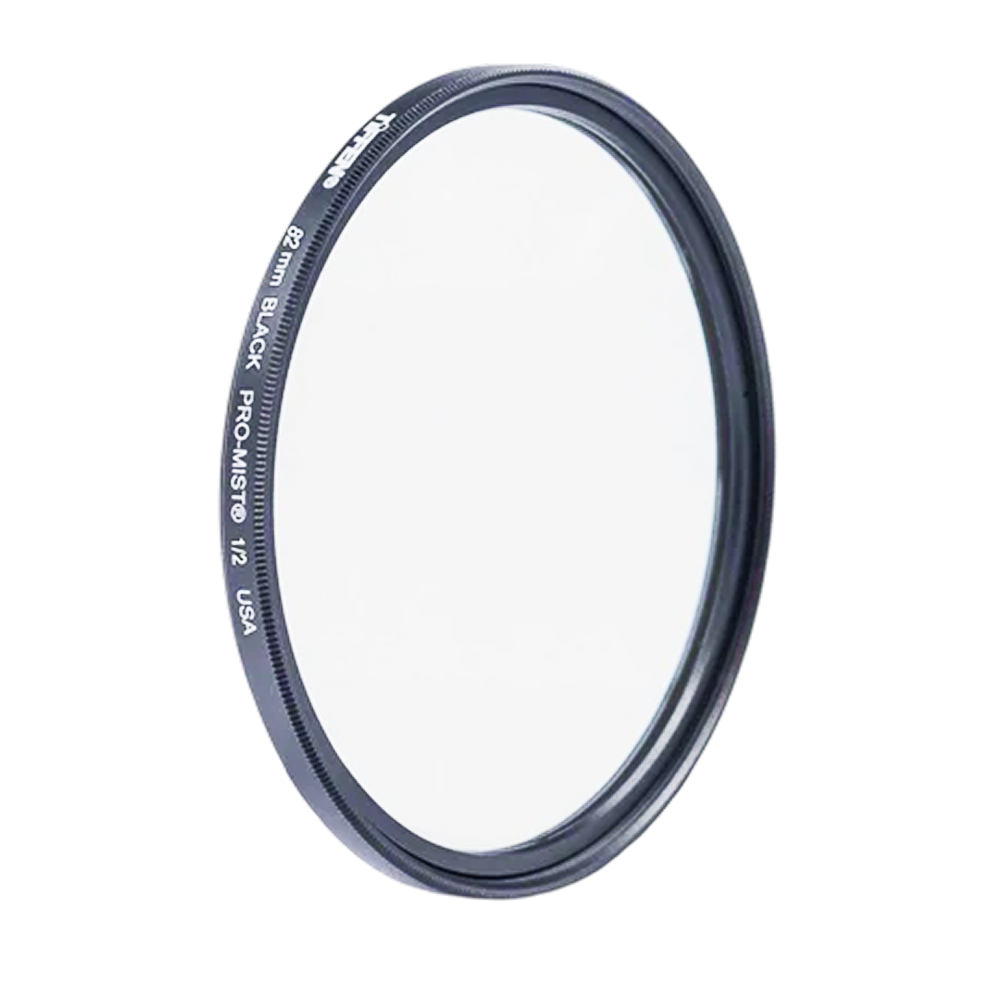
Black Pro-Mist Filter®
Reduces Highlights and Lowers Contrast Softens Wrinkles and Blemishes Crea...
Black Pro-Mist Filter®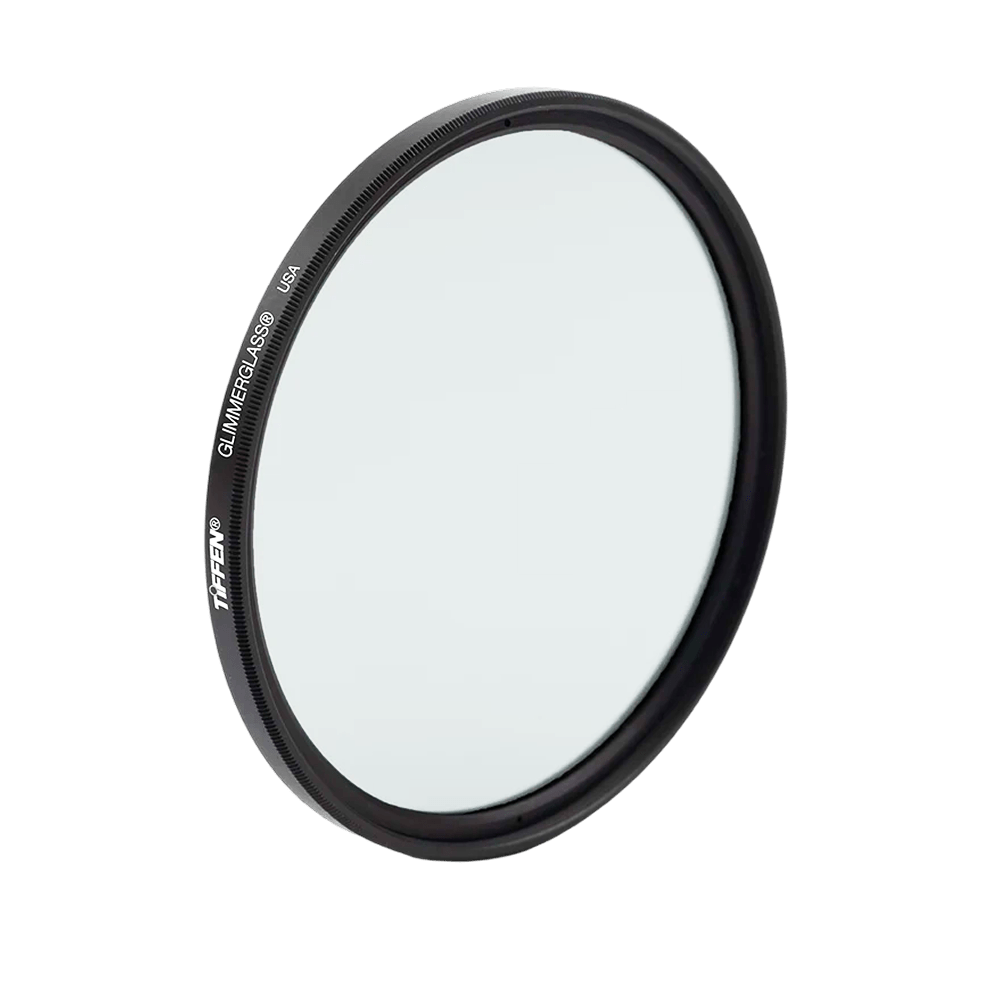
Glimmerglass® Camera Filter
Creates Glowing Highlights Softens Wrinkles and Blemishes Sparkle Appearan...
Glimmerglass® Camera Filter
UV Protector Filter
Helps to Absorb Ultraviolet Light Reduces Bluish Cast of Daylight General ...
UV Protector Filter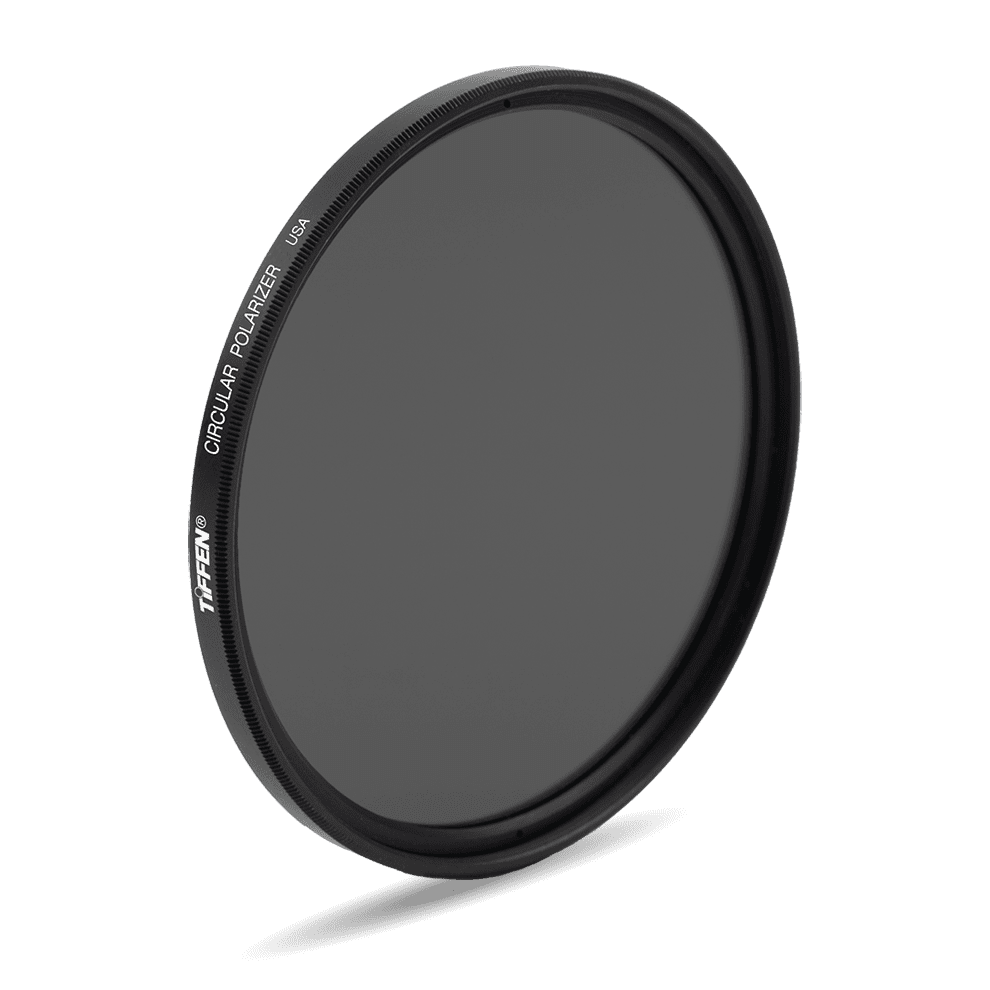
Circular Polarizer Screw-In Filter
Makes a Blue Sky Bluer Enhances Clouds Eliminates Reflections High Quality...
Circular Polarizer Screw-In Filter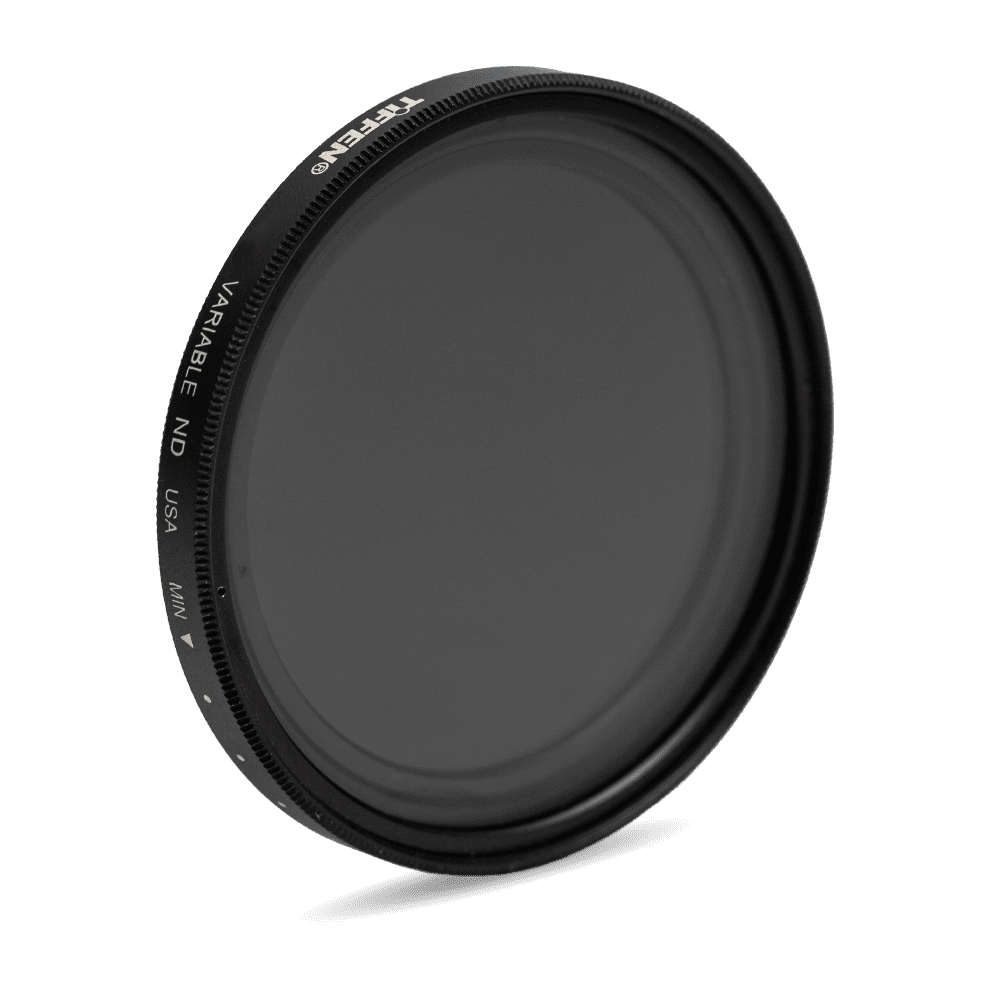
Variable ND Filter
Provides 2 to 8 Stops of Light Control Rotating Ring to Choose Degree of ...
Variable ND Filter
Behind the Lens!
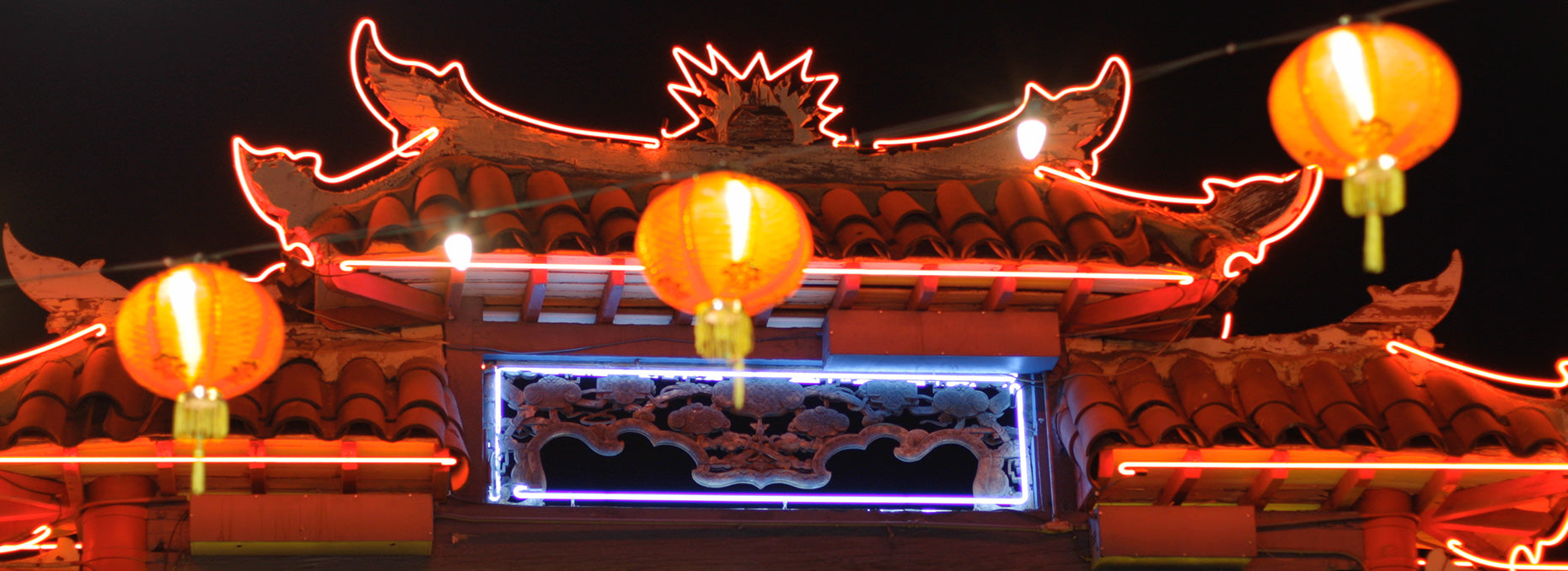
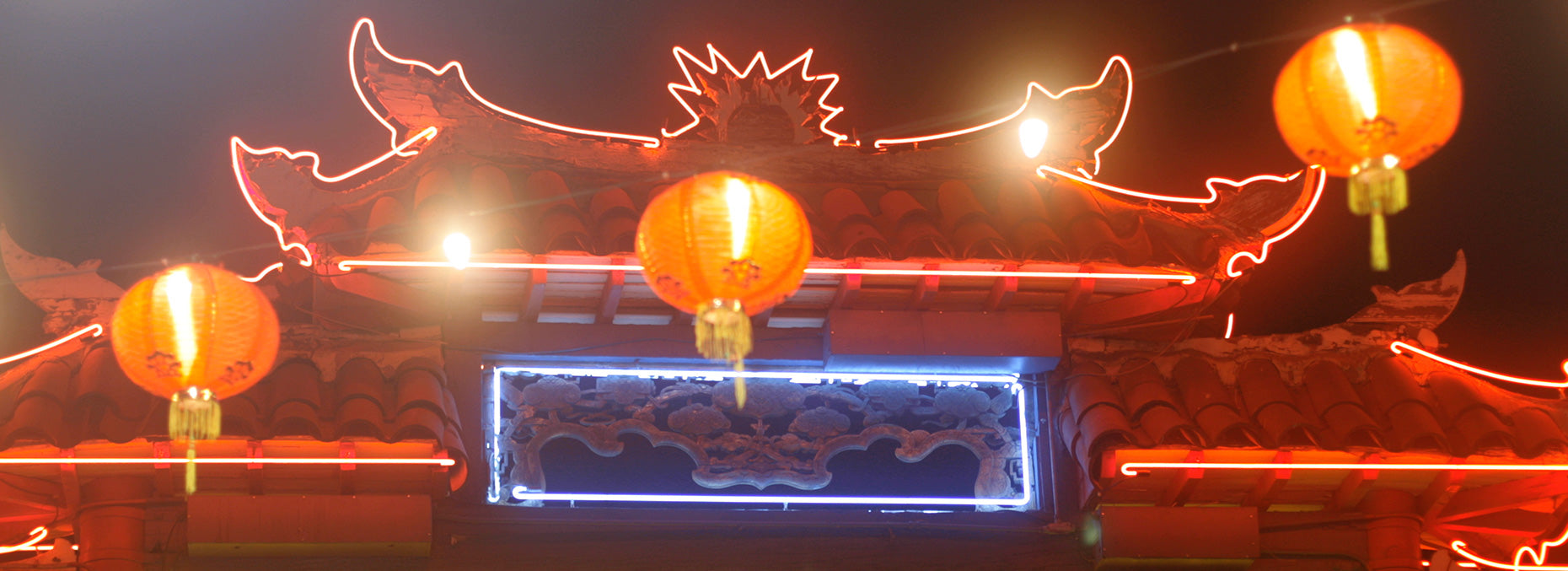
Alicia Robbins, ASC is a renowned cinematographer blessed with an eye for capturing immersive imagery. Grey’s Anatomy and Bridgerton are just a few series that showcase the excellence of her craft. We’re moved by her use of Tiffen Black Fog filters, which she used on Bridgerton Seasons 3 and 4, to create a look of ambient diffusion in historic interior spaces. At times, she masterfully backlit the filter to add a creamy soft flare that enhances the feeling of atmosphere to express key intimate moments.

Director of Photography
Slide to See the Difference

30-Day Returns

Swift Shipping

Create now. Pay later
Frequently Asked Questions
How do I know which filter is best for me?
The best filter is the one that aligns with your required result. It depends on how you want your shot to turn out. For example, Polarizer is a good option if you want to enhance skies, cut reflections, and make colors pop. While black pro mist can be used to create a dreamy effect.
Will Tiffen filters fit my camera or phone?
Yes! Tiffen filters fit most cameras. However, you must check the size of your lens (like 49mm or 67mm) and choose the same size filter. Additionally, if you’re using a phone, you first need a smartphone filter mount, and then you can use filters too.
Can LED lights work for both video and photo shoots?
Definitely, Lowel LED lights, like the TotaLED, give you a bright and adjustable light and can be perfectly used whether you’re making a video or taking a still shot.
Which tripod is best for traveling?
If you’re looking for a portable yet sturdy option, our Traverse Tripod is the one you should consider. It is lightweight and can be folded to 12 inches to fit in any bag. Also, it’s steady enough for outdoor shoots and reliable in different conditions for your quick on-the-go shots.
Why do I need a camera bag?
Camera bags work as a protective shield for your gear, especially when you’re shooting outdoors and travelling. Therefore, Domke bags are a stylish yet lightweight option for beginners and pros as they come in sling, shoulder, and backpack styles to suit any shooting setup.
What does a Steadicam do for my videos?
If you want your videos to remain smooth and steady, even while you're moving, Steadicam should be your ultimate gear option. It helps avoid shakes and bumps while giving your shot a professional and cinematic look even when you're walking, running, or filming dynamic shots. Also, it’s a must-have tool for filmmakers, vloggers, or content creators who want stable footage without bulky gear.